



Rated 4.6 by 342 verified buyers
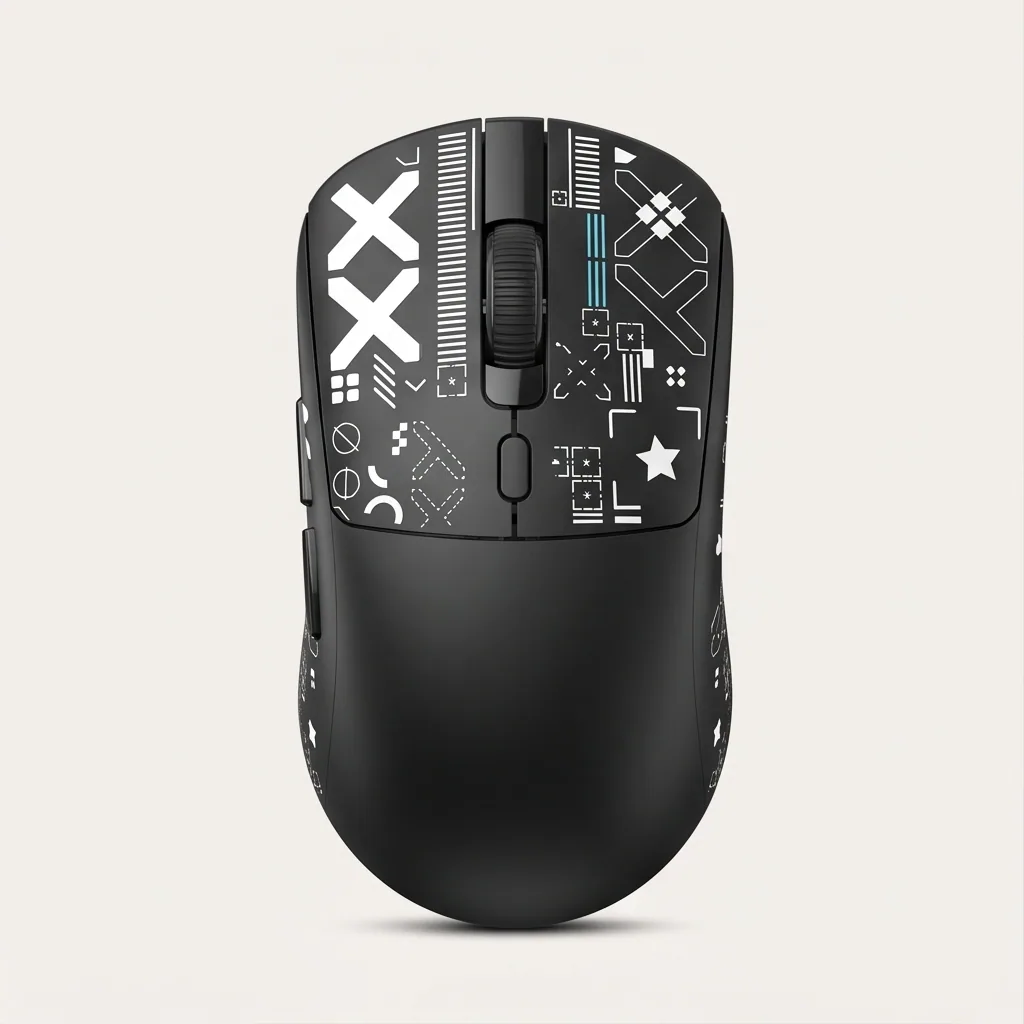
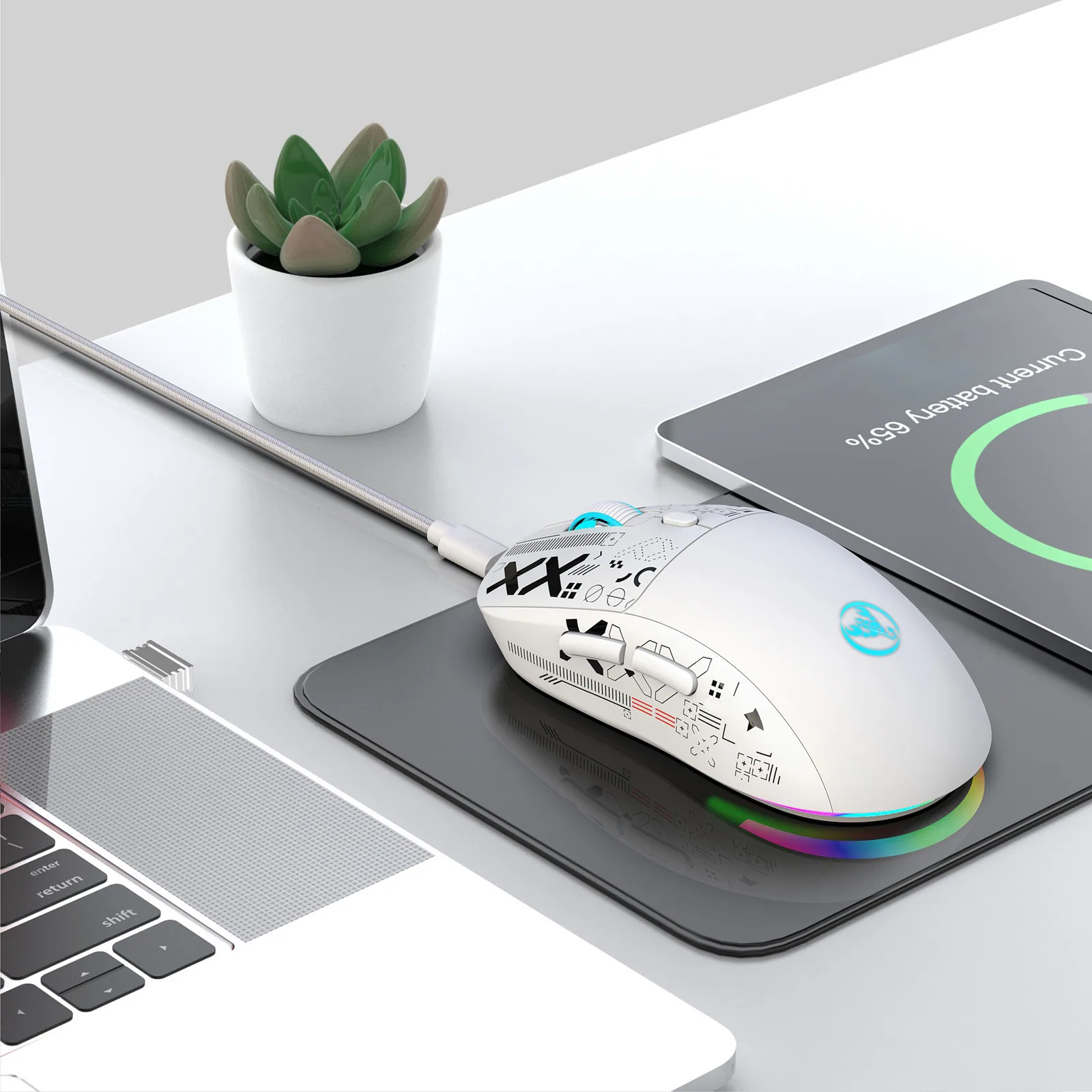
Budget Tri-Mode Wireless Silent Gaming Mouse
Tri-Mode Wireless Silent Gaming Mouse
Choose Your Setup
Single Mouse
 #1
#1
Duo Pack
SAVESave
#1
#2
Setup Bundle
SAVE#1
#2
#3


Silent clicks let me game late without waking anyone.
Backed by our money-back guarantee.
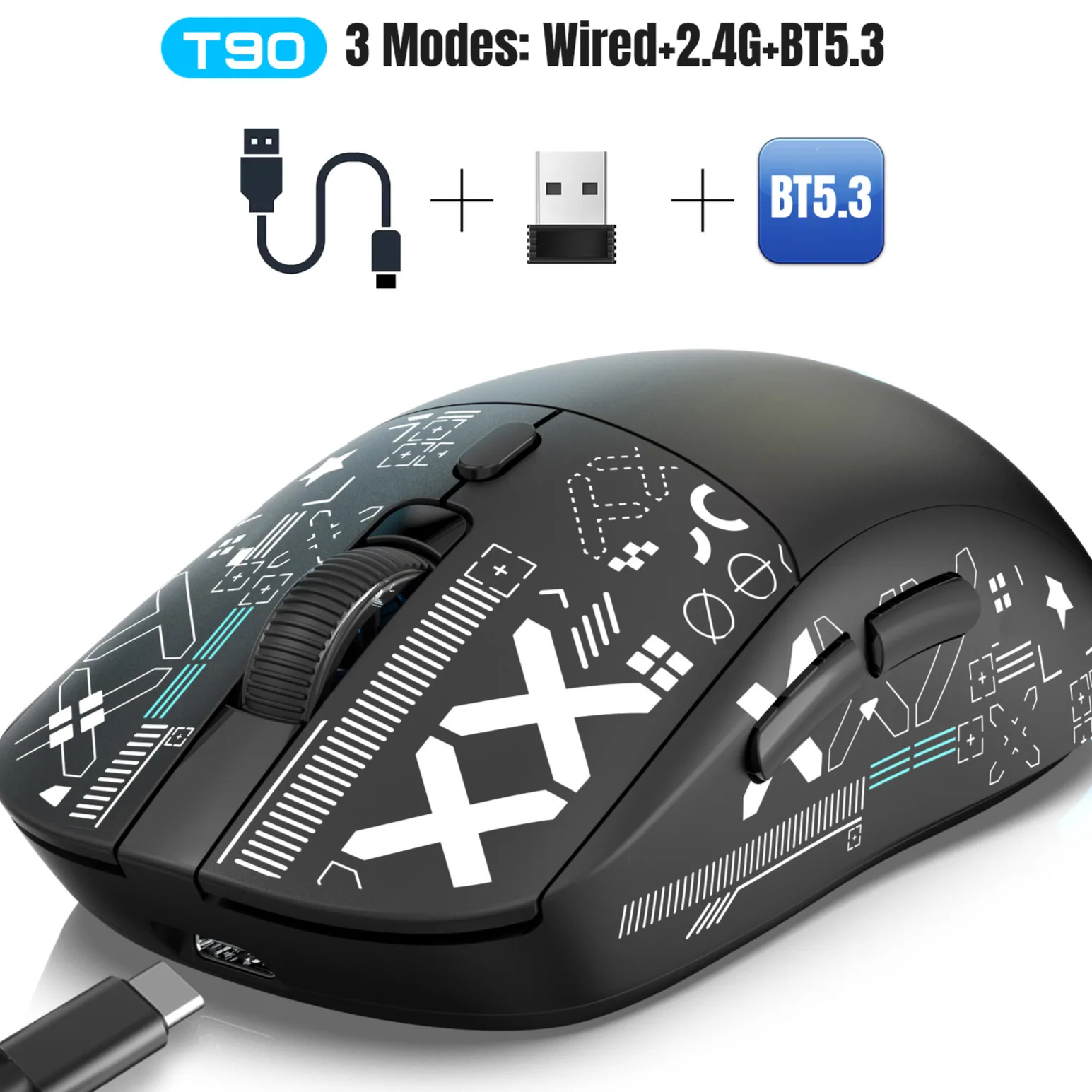
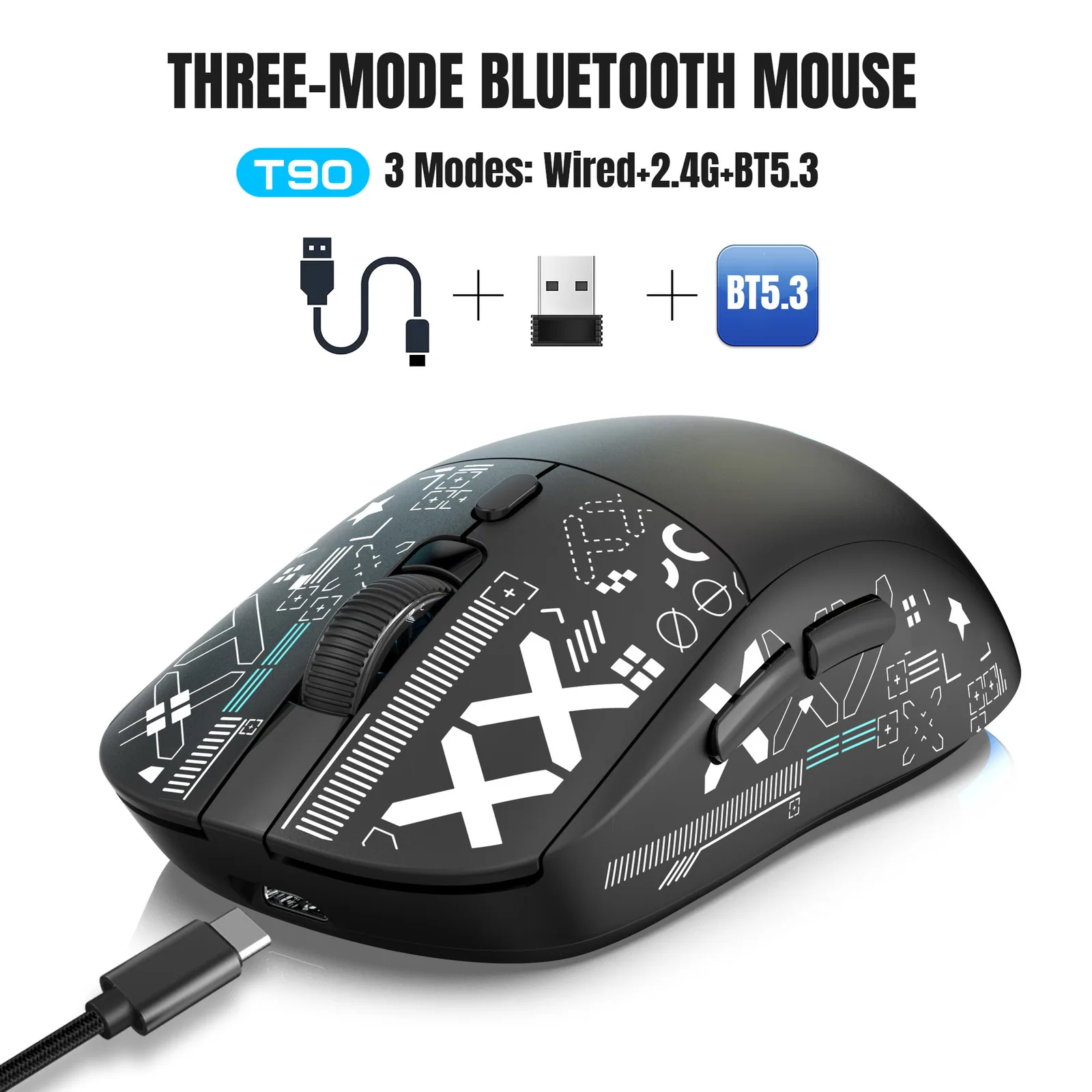
Verified PurchaseSwitch instantly between Bluetooth, wireless dongle, and direct USB.
Mute switches rated for 10 million clicks eliminate obnoxious noise.
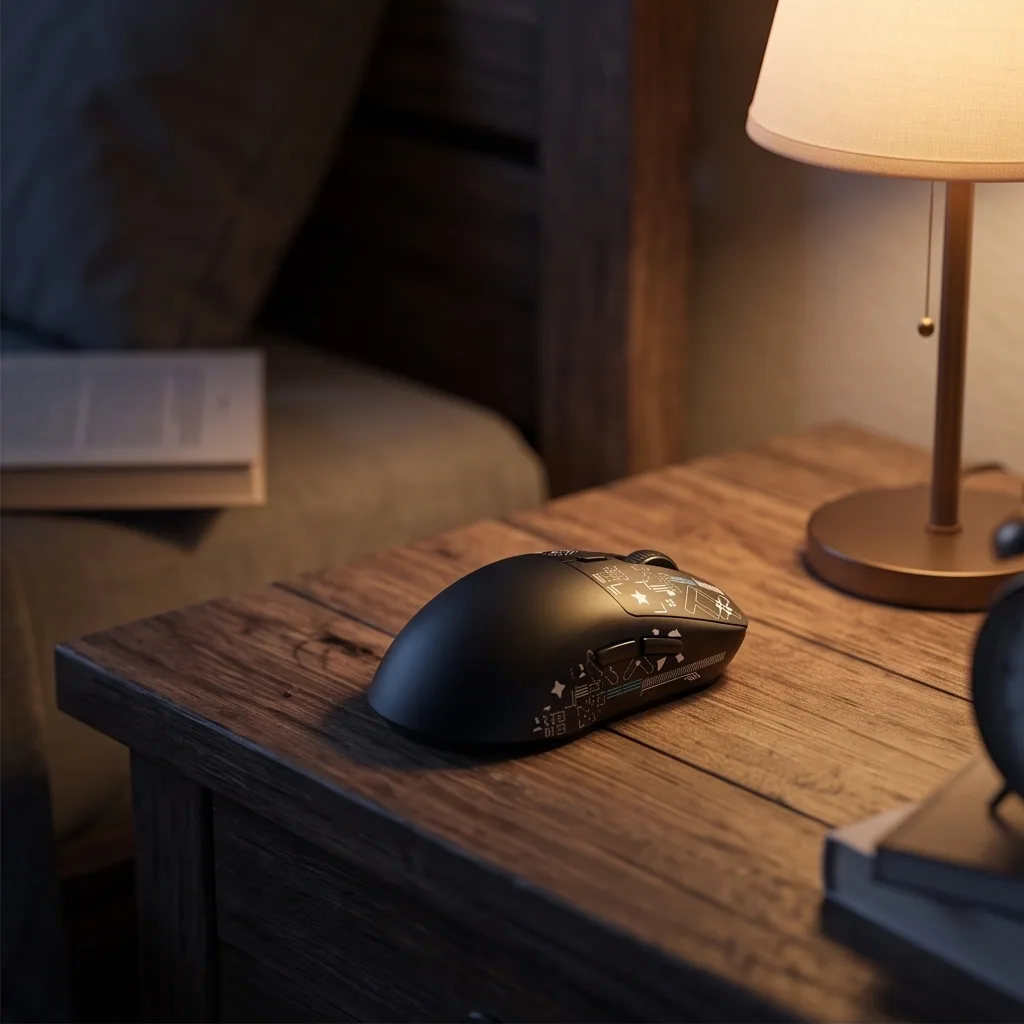
Click in silence without waking anyone
Engineered with specialized mute switches across all six buttons so you can game late into the night.
86g
Lightweight ergonomic chassis designed to reduce wrist fatigue during long sessions.
650mAh
Rechargeable internal battery lets you skip disposable AA replacements.
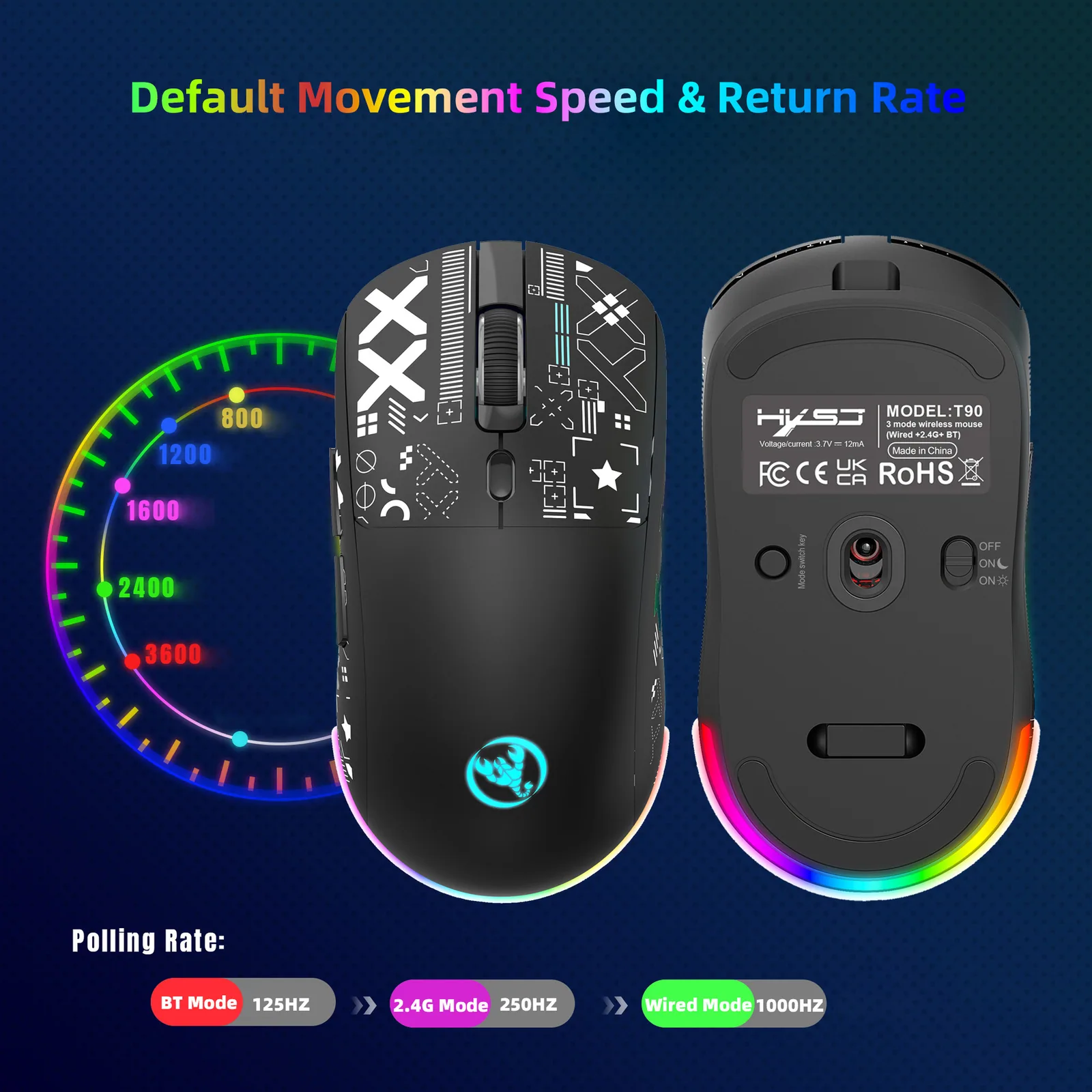
3600
DPI optical sensor for reliable daily productivity and casual gaming.
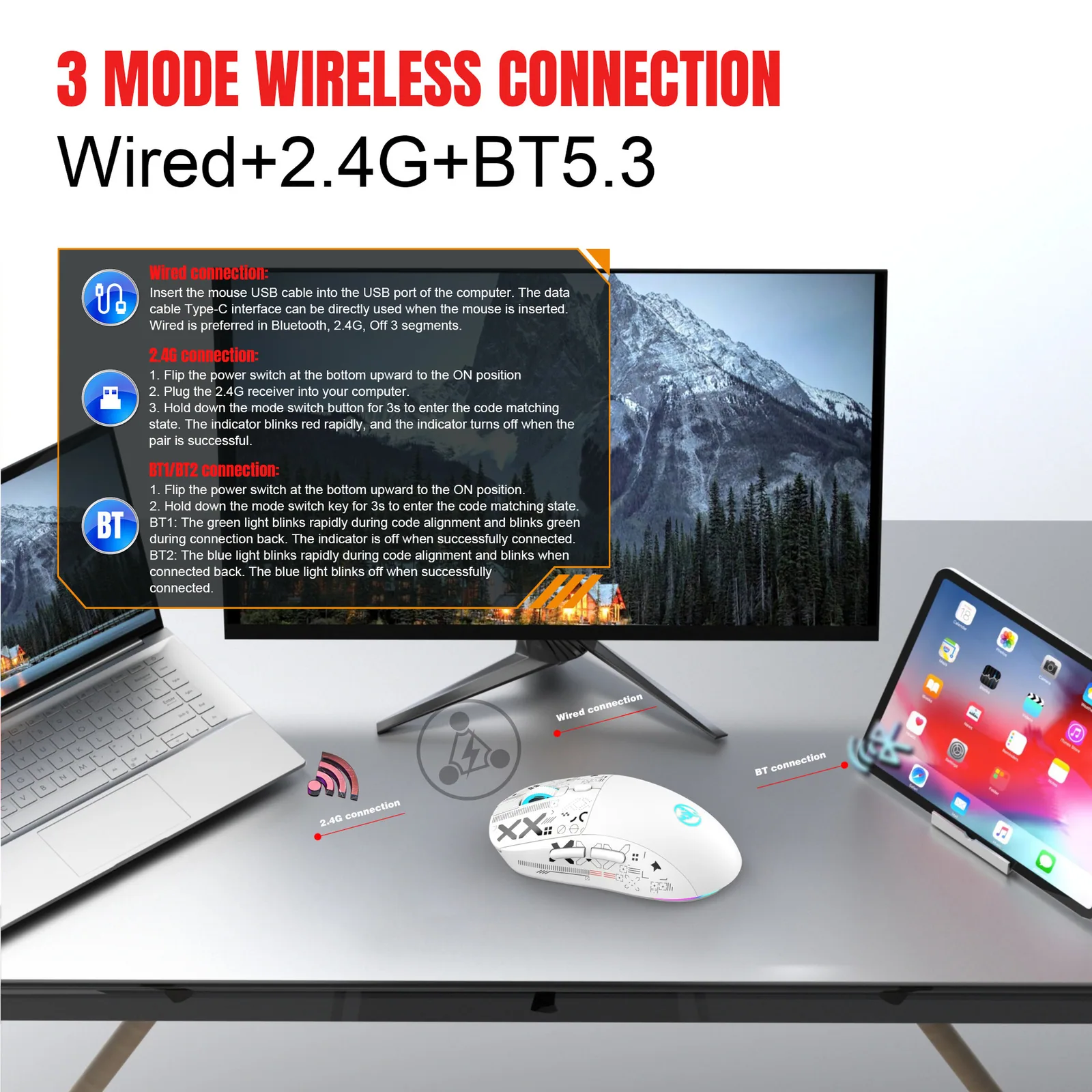
Connect your way across every device
Bluetooth 5.3
Pair directly with laptops and tablets without using USB ports.
2.4G Wireless
Plug in the USB receiver for stable desktop connection.
Wired USB
Connect with the included woven cable for zero battery anxiety.
Silent Switches
All six buttons are muted to keep rooms quiet.
Rechargeable Power
Top up easily using the included Type-C charging cable.
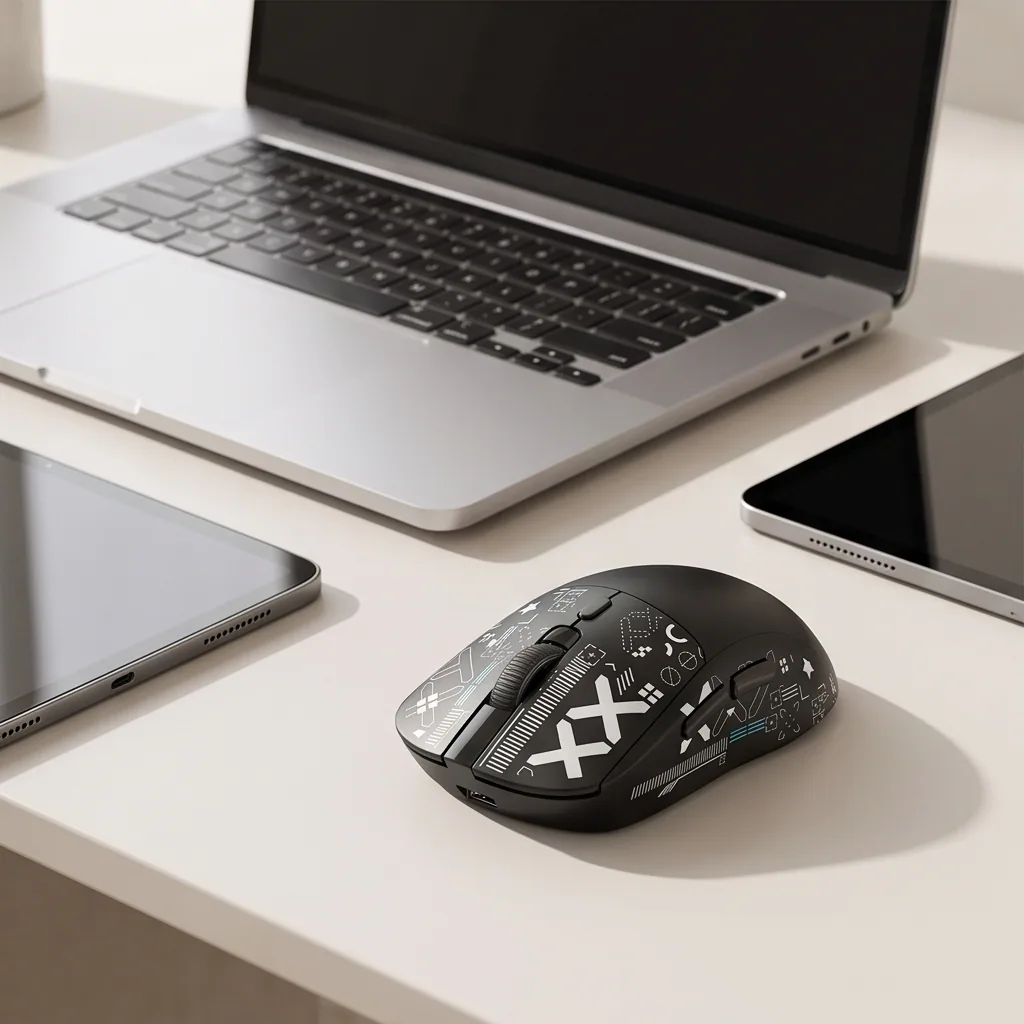
Multi-System
Fully compatible with Windows, Android, and macOS.
TECHNICAL SPECIFICATIONS
Built for reliable daily performance
Review the exact hardware specifications and dimensions.
Connectivity
Wired (USB), 2.4G wireless, Bluetooth 5.3
Sensor DPI
3600 DPI optical chip
Battery Capacity
650mAh lithium battery
Weight
86g
Polling Rate
125Hz (BT), 250Hz (2.4G), 1000Hz (wired)
Dimensions
12.5 x 6.3 x 4.1 cm
Buttons
6 silent buttons
Cable
1.8m woven Type-C cable
GETTING STARTED
Four simple steps to quiet control
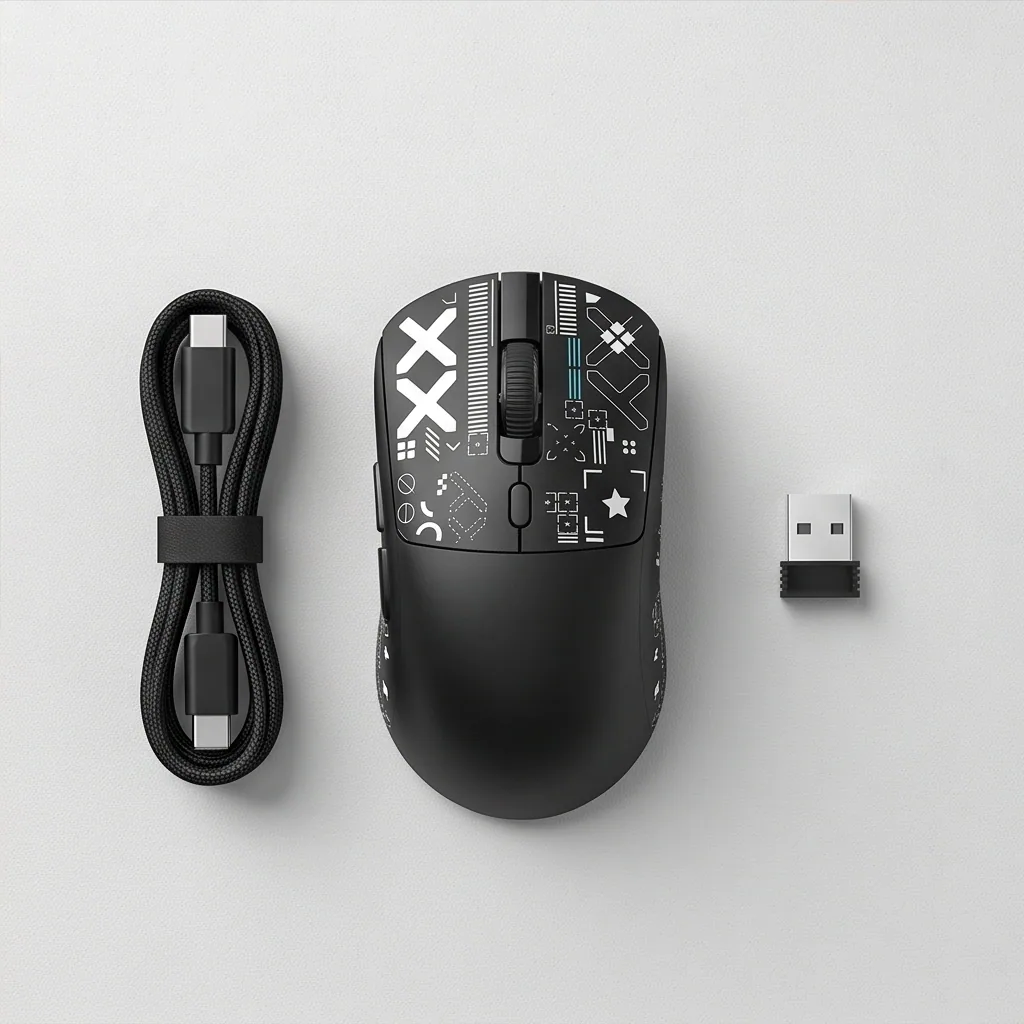
Open the box and remove the mouse along with the 1.8m woven Type-C charging cable and wireless receiver.
Plug the Type-C cable into the mouse to charge the internal 650mAh lithium battery before first use.
Select your connection method by flipping to Bluetooth 5.3, plugging in the 2.4G USB receiver, or attaching the direct USB cable.
Enjoy smooth cursor navigation and silent clicks while keeping polling rates in mind (125Hz for Bluetooth, 250Hz for 2.4G, and 1000Hz wired).
Care and maintenance guide
Wipe the plastic exterior clean with a dry microfiber cloth to remove dust and oils. Avoid exposing internal electronics to moisture.
Toggle the RGB lighting modes to match your desk setup or switch between connected devices with a simple flip of the connection switch.
Enjoy consistent tracking and quiet clicking, periodically recharging the internal battery via USB as needed.
What our buyers are saying
Read authentic feedback from users who transformed their late-night workspace.
Game changer for late nights
Mark S.
Verified
2 weeks ago
Super convenient switching
Jessica L.
Verified
1 month ago
Great value for price
David K.
Verified
3 weeks ago
Lightweight and comfortable
Amanda R.
Verified
2 months ago
Neat RGB lighting
Chris P.
Verified
Last week
Reliable wired mode
Brian T.
Verified
4 months ago
Frequently asked questions
Find straightforward answers about compatibility, latency, and battery performance.
It provides solid tracking for casual gaming and daily productivity, though hardcore competitive players requiring extreme DPI ranges should look at specialized esports gear.
Bluetooth operates at a 125Hz polling rate, which is great for general tasks. For fast-paced gaming, using the 2.4G wireless dongle (250Hz) or wired mode (1000Hz) provides higher polling rates.
Battery life varies based on RGB usage, but the 650mAh capacity supports normal daily use between USB charges.
Yes, you can easily connect to Windows, Android, and macOS systems across its tri-mode options.
All six buttons feature specialized mute switches designed to eliminate obnoxious clicking noise.
Simply plug in the included 1.8m woven Type-C cable to recharge the internal battery.
Rated 4.6 by hundreds of satisfied users
Game in silence tonight
Upgrade your desk setup with silent clicks and tri-mode wireless freedom.